Bulk QR Code Generator
Generate and zip hundreds of unique static or dynamic QR codes. Upload your CSV spreadsheet, Excel (.xlsx) workbook, TSV, or JSON file with 16 industry starter templates (Coupons, GS1 Digital Link, Event Tickets, Feedback Forms, Wi-Fi, WhatsApp, Maps). Generate static codes with direct local matrix encoding and zero server data retention, or create dynamic trackable codes with scan counters, calendar expiration, and security passcodes (early access).
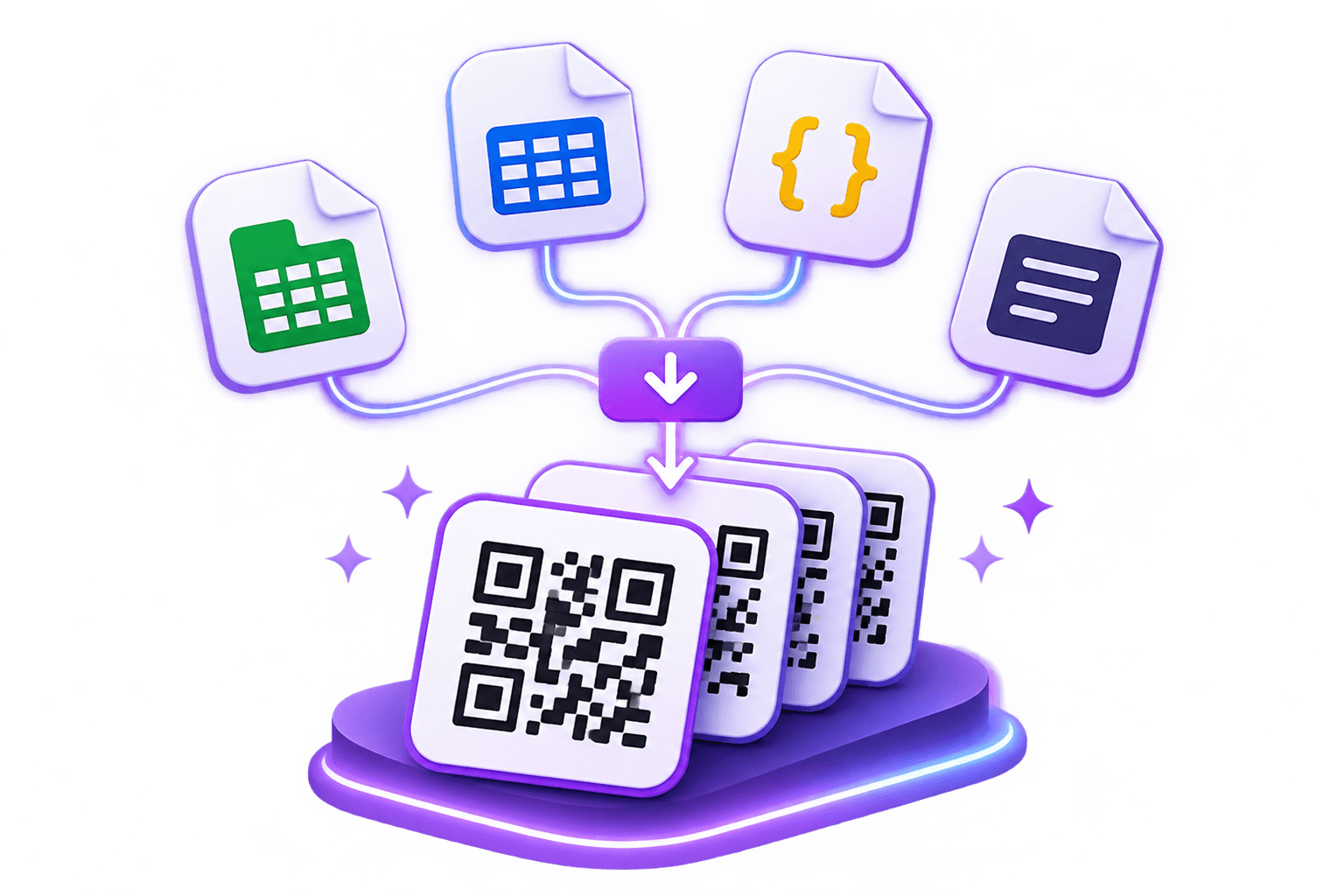
Embedro Bulk QR Generator
Active GeneratorUpload CSV / Excel spreadsheets, paste URLs, customize styling, and download complete ZIP archives
Step 1: Select QR Code Payload (16 Industry Formats)
Choose your payload to preview required columns and download the matching pre-formatted CSV template.
Standard web links for marketing campaigns, physical packaging, menus, or portfolio sites.
Step 2: Upload Completed Link Spreadsheet
Drop your completed CSV or Excel spreadsheet matching the Link column format.
Click to browse or drop your Link CSV / Excel file
Supports CSV, Excel (.xlsx, .xls), TSV, and JSON • Auto-validated against Link columns
How to make QR codes in bulk
Simple 4-step workflow to prepare, check, and batch-download your codes.
Prepare your sheet
Put one code per row. You need a column named Destination URL. A Title column is useful because it names each image file. Download a template below if you want a starting point.
Upload or paste
Drop in a CSV, Excel, TSV or JSON file, or paste a list of links. Keep your data on one sheet with a header row.
Check and style
Each row is checked before any code is made, and problems are listed with the row number and the reason. Then choose colours, a frame, a logo and the export size, and pick static or dynamic.
Download
You get a ZIP with one image per code and a manifest.csv listing every row. Scan a few codes with two phones, and print one sample, before you print the whole batch.
Starter templates
Each template is a small CSV with the right column names and a few sample rows. Replace the sample links with your own.
Warehouse and asset tags
One code per rack, bin, pallet, asset ID, serial number, or piece of equipment.
Use a stable link format, so the records behind each link can change while the printed label stays the same. Choose durable label material for dusty or damp areas.
Restaurant and cafe tables
One code per table, all opening your menu with the table number in the link.
Your menu page needs to read the table number from the link to use it. If it does not, every code still opens the menu.
Hotel, PG and hostel rooms
One code per room, linking to a page with house rules, contact numbers and help.
Do not put a Wi-Fi password or any other secret in the link itself. Anyone who scans can read the link.
Plots, flats and to-let boards
One code per plot, flat or board, linking to that unit's listing page.
If you advertise a registered project, check your state RERA authority's current rules on what an advertisement must display. A QR code alone does not meet them.
Product and carton labels
One code per product or lot, linking to a manual, support or product page.
Static codes cannot be edited after printing. If a link might change, point to a page you control, or make the code dynamic (early access).
Counter and fee UPI codes (static only)
One UPI code per counter, class or fixed fee. Replace the sample UPI ID with your own.
UPI codes are always static. Scan one with two UPI apps and check that the payee name is right before you print. embedro does not process payments.
Coupons and redemption offers
One code per unique voucher or coupon, linking to an individual offer page.
Set an expiry date if the promotion has a time limit. Dynamic codes let you turn off expired offers.
Product and GS1 Digital Links
One code per product or batch, using GS1 Digital Link syntax with GTIN, lot and serial numbers.
GS1 Digital Link connects barcodes with online product information, user guides, and recall data.
Event tickets and badges
One code per ticket pass or attendee badge, with a unique validation link and seating info.
Use for conference registration cards, table assignments, and badge check-in validation points.
Feedback and survey forms
One code per counter, table or store location, opening satisfaction rating and feedback forms.
Link directly to Google Forms, Typeform, or internal portals for real-time customer feedback.
Dynamic bulk is in early access
Dynamic codes allow destination updating and scan tracking after printing. During our launch preview, free registered accounts include 5 dynamic codes, while static bulk is free for up to 300 codes per batch with direct local processing.
Static or dynamic bulk codes
Choose by what you need after the codes are printed.
| Feature | Static | Dynamic (early access) |
|---|---|---|
| Architecture | Direct local encoding (zero server upload). | Cloud-managed short links with real-time scan analytics. |
| Account | Not needed for up to 25 codes. A free account allows up to 300 per batch. | Required. |
| Change the destination after printing | No. The link is inside the code. | Yes. |
| Scan counts and device data | None. | Scan counts, device type, operating system, browser and approximate location. |
| Expiry, scan limits and password | Not available. | Available per code. |
| Keeps working if you stop using embedro | Yes. The code does not depend on our service. | Only while your account and plan are active. |
| Payment codes (UPI and similar) | Allowed. | Not allowed. Payment codes stay static. |
| Availability | Open to everyone. | Early access, with a limit on active codes. See the pricing page. |
| Best for | Labels that never change, such as asset tags, table numbers and room cards. | Printed material where the link may change, or where you want scan counts. |
Spreadsheet columns
Column names are not case sensitive.
| Column Name | Required? | Description | Example |
|---|---|---|---|
| Destination URL | Required | The address the code opens. Start web links with https://. | https://yourstore.com/menu?table=1 |
| Title | Optional | Names the image file and the row in manifest.csv. | Table 1 |
| Expiry Date | Optional, dynamic only | The date after which the code stops working. Use YYYY-MM-DD. | 2026-12-31 |
| Scan Limit | Optional, dynamic only | The most scans the code will allow. Use a whole number. | 500 |
| Password | Optional, dynamic only | A passcode that people must enter before the link opens. Use at least 6 characters. | plum-47-door |
Print sizes and scanning
A QR code scans best when its printed width is about one-tenth of the distance people scan it from. These are starting points. Always print one sample and test it first.
Viewing Distance to Printed Width
| Where it is scanned | Typical scanning distance | Printed width |
|---|---|---|
| Hand-held card or small label | 20 to 30 cm | 2.5 cm or more |
| Counter or table | 50 cm | 5 cm |
| Wall poster | 1 m | 10 cm |
| Shop sign or banner | 3 m | 30 cm |
Recommended Export Resolution
| Export | Good for printed widths |
|---|---|
| 512 px PNG | up to about 4 cm |
| 1024 px PNG | up to about 8 cm |
| 2048 px PNG | up to about 17 cm |
| 4096 px PNG | up to about 34 cm |
| SVG | any size, including hoardings and sign boards |
Pick an export size that matches the printed width. These sizes assume 300 dots per inch, which suits most printers.
Practical Printing & Scanning Tips
What happens to your data
Transparent data privacy architecture for both static and dynamic batches.
Static batches
Static batches are processed with direct local encoding. Your rows, data links, and spreadsheets are never uploaded to our servers. The manifest.csv is generated locally with formula injection sanitization to protect your team when opening exported files.
Dynamic batches
To make a code editable and trackable, we save its destination link, title and settings on our servers. Passcodes are stored as one-way hashes. When someone scans a code, we record the time, device type, operating system, browser, approximate location and a salted hash of the IP address. We do not store raw IP addresses in our database, though our hosting provider may keep its own logs. Detailed scan events are deleted after 90 days, and daily totals are kept. Anyone who scans a code can see where it leads.
What people use bulk QR codes for
Real-world production deployments across multiple commercial verticals.
Warehouses and stores
Label racks, bins, pallets and equipment with codes that open a record or checklist. A static label keeps working for as long as the page it points to exists.
Restaurants and cafes
Print one code per table, all pointing to the same menu with a table number in the link, so your menu page can tell which table an order came from.
Hotels, PGs and hostels
Give every room a code that opens house rules, contact numbers and a help form, so guests do not have to ask at reception.
Plots, flats and to-let boards
Give each plot, flat or board its own code linking to its listing page, so a passer-by gets the right details without calling.
Schools, colleges and offices
Label classrooms, labs, projectors and shared equipment with codes that open timetables, user guides or issue forms.
Product and carton labels
Print lot-specific links on cartons or packs that lead to manuals, support or product pages. If a link might change after printing, consider a dynamic code.
Frequently Asked Questions
Everything you need to know about batch and bulk QR code generation.
Is bulk QR code generation free?
Static bulk is free. Guests can make up to 25 codes per batch without signing up, and a free account allows up to 300 per batch. Limits can change, so check the generator for the current numbers.
Do I need a separate subscription for bulk?
No. Bulk is not sold separately. Dynamic features, including dynamic bulk, belong to the Pro plan, which is in early access. See the pricing page and join the waitlist.
Can I upload an Excel file?
Yes. You can upload .xlsx or .xls files, or CSV, TSV and JSON files. Keep your data on one sheet with a header row. Spreadsheets are parsed locally with zero server upload.
What is in the ZIP file?
A folder with one image per code, named from your Title column, and a manifest.csv listing each row, its title, its link and its file name. For dynamic batches the manifest also lists each short link.
How long does a batch take?
It depends on your device, the number of codes and the export size. Codes are made in small chunks with a progress bar, so the page stays responsive. Try 100 codes on your own device before a large run, and use 1024 px unless you need bigger prints.
What happens if some rows have errors?
Each row is checked before codes are made. Problems appear in a list with the row number and the reason, such as a missing link or an invalid date, so you can fix the file and try again.
Can I print the codes on label sheets?
Yes. Import the PNG or SVG files into your label or design software and place them on your label template. Check the template for the exact label size, and print one sheet on plain paper first.
Can I use bulk codes as event tickets?
Not as secure tickets. A static code can be copied or photographed, so it cannot prove that a ticket is genuine or unused. Use bulk codes for information cards, table and seat labels and stall numbers. Entry control needs a system that checks each entry against a database.
Can I make UPI or other payment codes in bulk?
Yes, as static codes, for example one per counter or fee amount. Payment codes cannot be dynamic, so they cannot be redirected after printing. Test each design with two payment apps before printing.
Do the codes expire?
Static codes never expire, because the link is inside the code. Dynamic codes work while your account and plan are active, and can have their own expiry dates.
What if I need thousands of codes or automation?
Submit a request through our Contact Us form (/qr/contact) and describe what you need. We will tell you what is possible today.
Related Tools & Generators
Explore single-code studios, vector formats, and dynamic tools.
Need retail barcodes (EAN-13, UPC-A, Code 128) or product labels?
Print directly on A4 sticker sheets or thermal rolls with automatic spreadsheet repair.
Ready to make your batch?
Upload a spreadsheet, or start from a starter template. Static batches up to 300 codes are free with ZIP export.